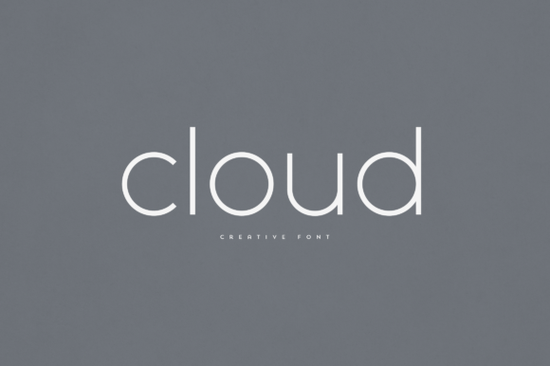
If you’ve been searching for a clean, modern sans serif that adds personality without overwhelming your layout, the Cloud Font might be exactly what you need. It’s designed to feel light and airy perfect for everything from branding mockups to print-on-demand mugs or t-shirt designs. Unlike overly decorative fonts, Cloud strikes a balance between elegance and readability, making it just as useful for headlines as it is for body text overlays on busy backgrounds.
Whether you’re a small business owner refreshing your logo, a crafter personalizing home décor items, or a designer working on magazine layouts, this font adapts well. Its letterforms are subtly rounded with soft terminals, giving it that “cloud-like” softness without sacrificing structure. That’s why it pairs beautifully with both minimalist and textured design styles.
What kinds of projects work best with Cloud?
You’ll find Cloud shines in situations where you want something contemporary but not cold. Here’s where it really fits:
- Branding and logos – especially for wellness brands, cafes, or lifestyle businesses that want to feel approachable.
- Product packaging – think soap labels, tea boxes, or boutique candles where soft typography enhances the tactile experience.
- Social media graphics – overlaying quotes or announcements on photos? Cloud stays legible even at smaller sizes.
- Home décor and wall art – whether you’re printing canvas quotes or vinyl decals, its gentle curves feel inviting.
- Editorial headers – magazines, blogs, or newsletters benefit from its clean hierarchy without looking corporate.
If you like Cloud but want something with more width or impact, you might also browse the Mirano Extended it’s got a bolder presence while keeping that modern sans serif clarity. Or if you’re working on something adventurous or outdoorsy, check out Adventure Font for a rugged-but-refined alternative.
Is Cloud easy to pair with other fonts?
Yes and that’s one of its strengths. Because it’s neutral in weight and spacing, it doesn’t fight with complementary typefaces. Try pairing it with a delicate script for contrast, or stack it with a condensed sans for editorial layouts. Even on its own, Cloud holds up well across multiple weights (if available) for creating visual rhythm in longer pieces.
Pro tip: When using it for layered designs like heat transfer vinyl or sublimation prints avoid ultra-thin weights. Stick to regular or medium cuts for better durability and readability after production.
How does Cloud perform in print vs. digital?
It’s built for both. The glyphs are optimized for screen rendering, so your Instagram stories or website banners won’t pixelate at smaller sizes. And because the strokes are evenly weighted, it prints cleanly on everything from cotton tees to ceramic mugs. Just make sure you’re embedding the correct file format (OTF or TTF usually works best for craft cutters and design software).
If you’re curious how it compares to other popular sans serifs out there, you can explore similar options directly on Creative Fabrica: Cloud. The platform lets you preview characters, test ligatures, and even see mockups before downloading.
Any hidden features or stylistic sets I should know about?
Depending on the version you download, Cloud may include alternate characters or stylistic sets like single-story ‘a’ or simplified ‘g’ which can give your design a more casual or editorial tone. These are great for A/B testing logos or adding subtle variation to repeated words in a layout.
Also worth noting: some versions come with multilingual support, covering Western European languages. If you’re designing for international clients or bilingual packaging, double-check the character map before finalizing.
Before you download, here’s a quick checklist:
- Check your license Make sure it covers commercial use if you’re selling products.
- Test readability Drop it into your design software and zoom out. Does it still feel clear at thumbnail size?
- Pair it intentionally Don’t just throw it next to any font. Try pairing with high-contrast scripts or geometric serifs.
- Save a backup Always keep the original font file in a safe folder. You never know when you’ll need to reinstall.
Fonts like Cloud remind us that good typography doesn’t have to shout. Sometimes, the most effective designs whisper with clarity, warmth, and just enough personality to stand out without trying too hard.
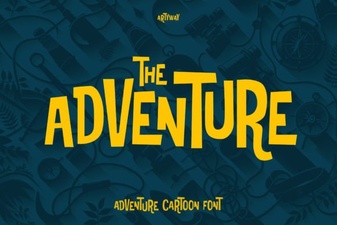 Adventure Font Styles for Creative Projects
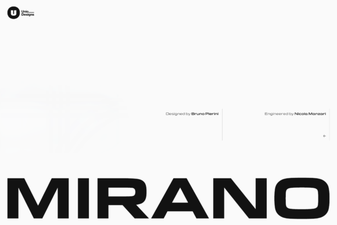 Mirano Extended Font: Elegant Design Solutions
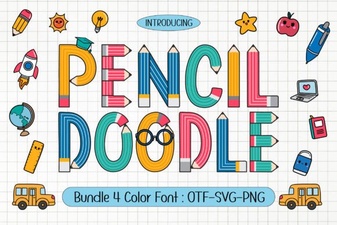 Doodle Fonts for Creative Projects and Handmade Designs
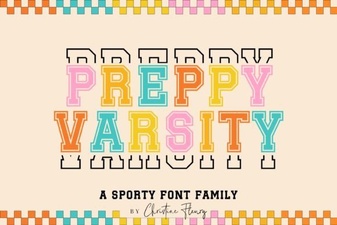 Download & Use: Free Preppy Varsity Font Files
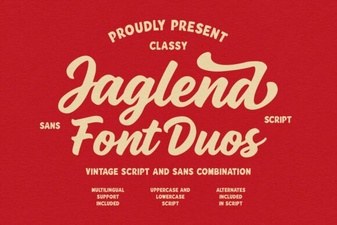 Jaglend Duo Font: Modern Typography for Creative Projects
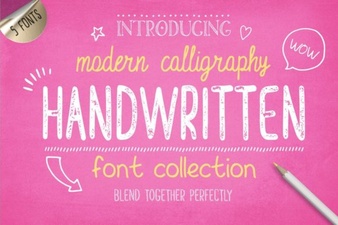 Creative Projects with Handwritten Fonts